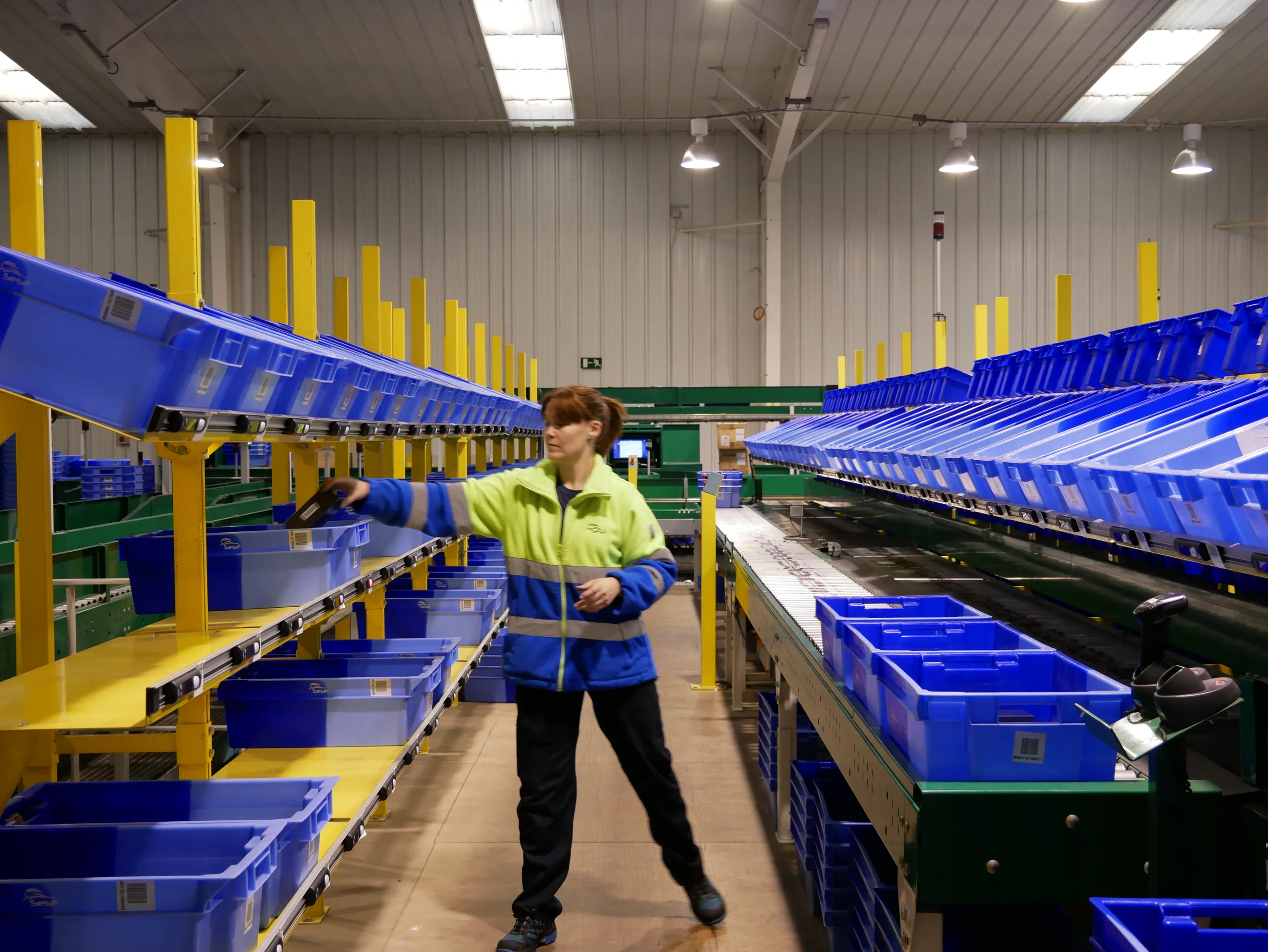
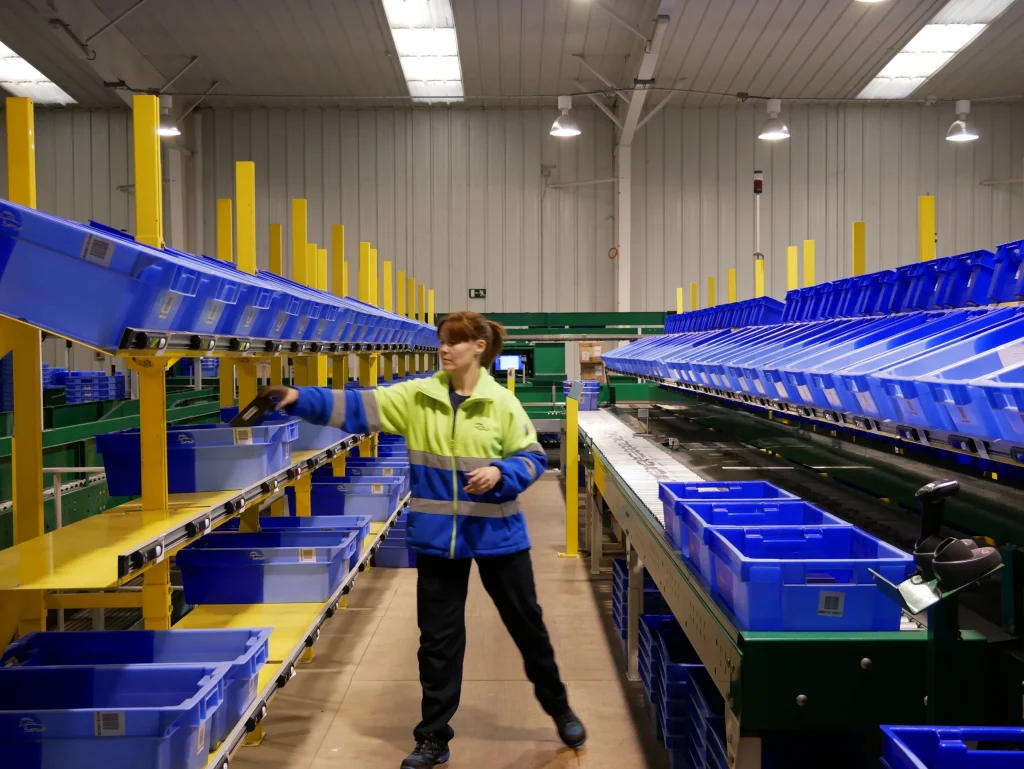
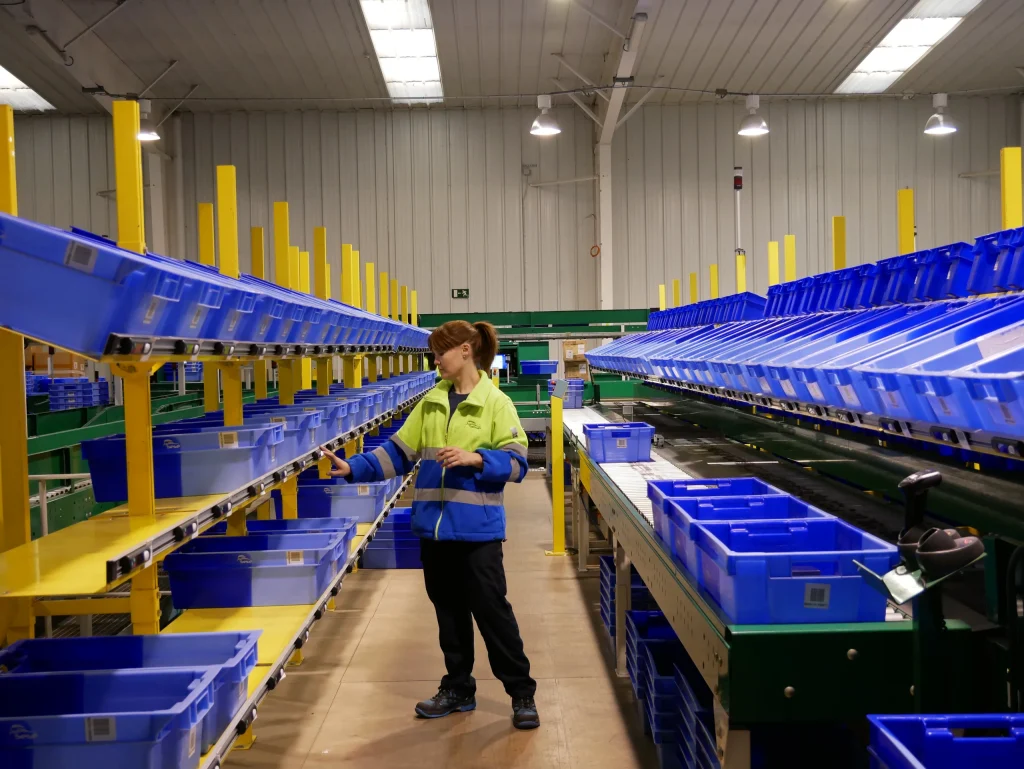
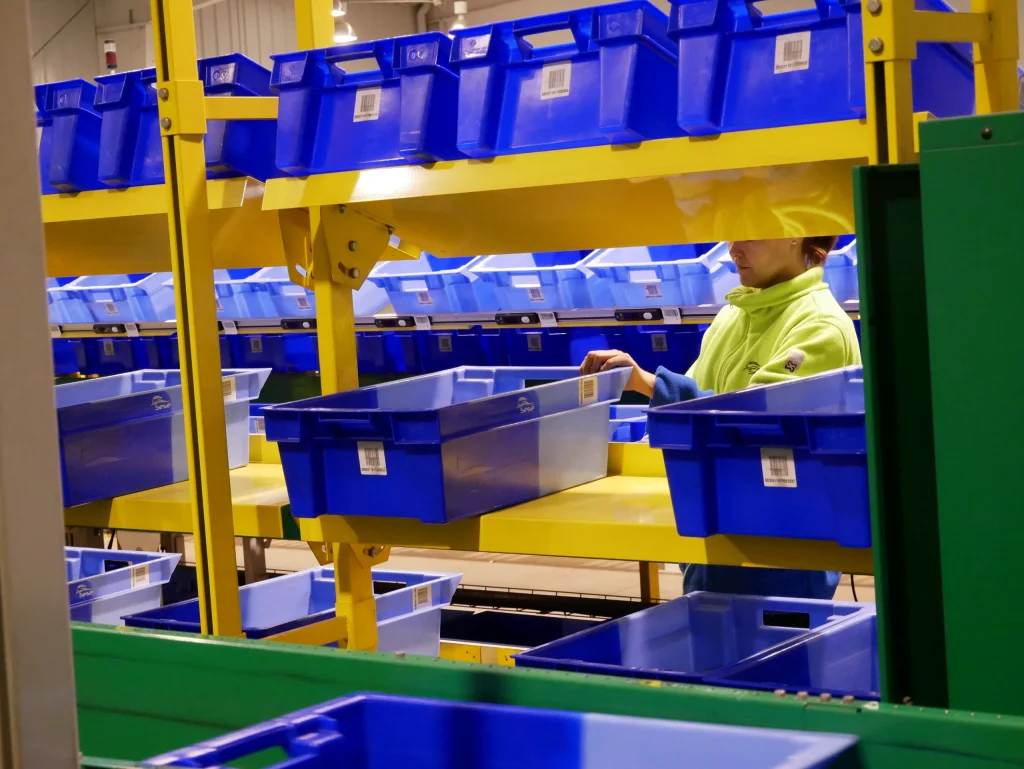
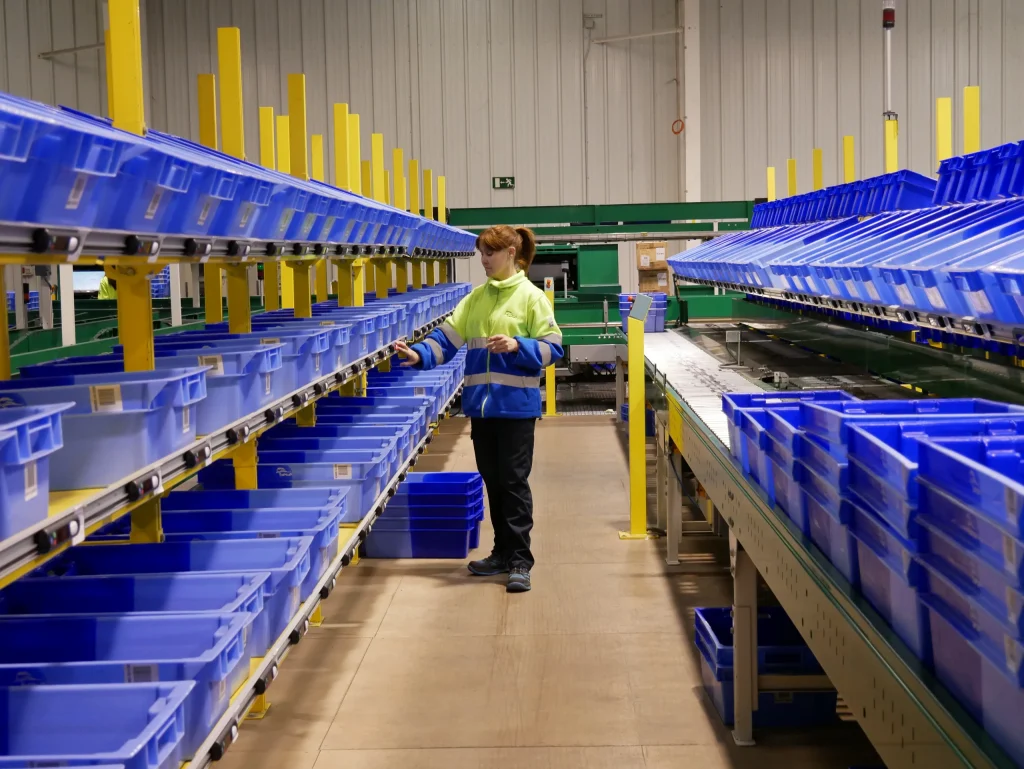
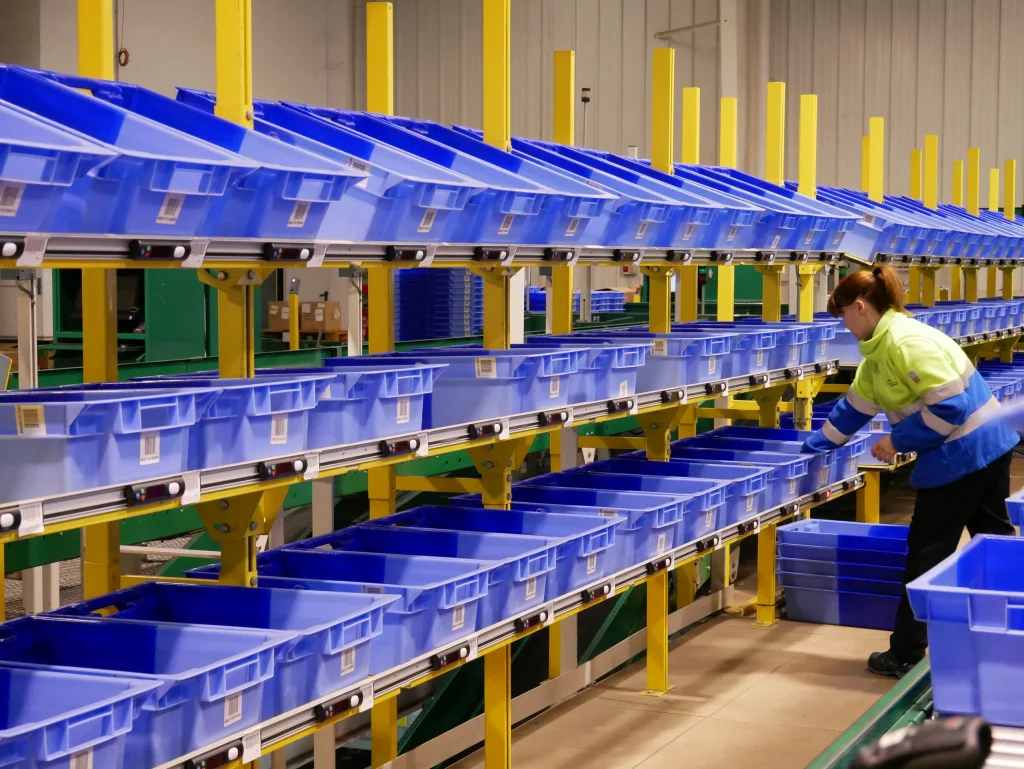
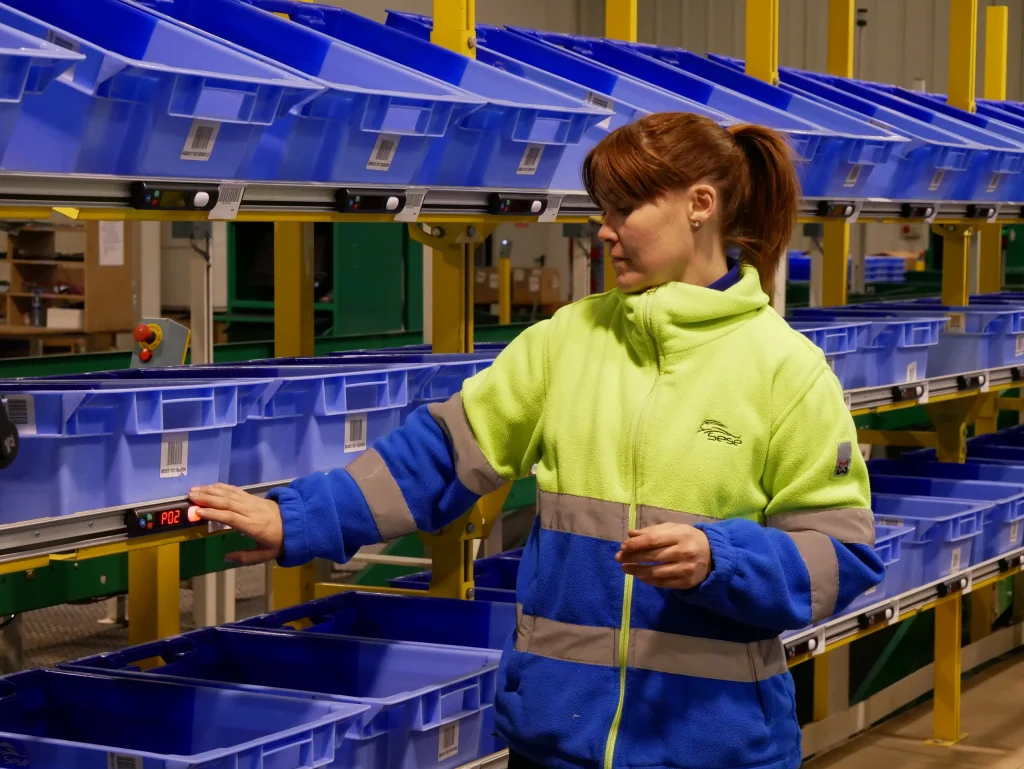
In a Put to Light system, the displays visually guide the operator to the containers where the items that make up each order are to be placed (put).
Each location or container assigned to an order has a light display associated with it. Sorting is done item by item. After an item is identified, the displays visually show the operator the locations where it must be placed and the quantity required for each order.
While Pick to Light guides the operator to pick the products, Put to Light tells them where to place them according to their destination, making distribution easier, reducing errors and speeding up order fulfilment.
Advantages of Put to Light
Discover the advantages of implementing the Put to Light system to sort and distribute your small orders in a faster, more accurate and error-free way.
1
Faster sorting: the operator simply follows the light indicator, with no need to search for or read labels, which speeds up every distribution task
2
Fewer distribution errors: visual guidance almost completely eliminates errors when assigning products to each order or customer
3
Minimal training: being so intuitive, new operators reach peak performance after just a few minutes
How Does the Put to Light System Work?
The operation of this warehouse sorting system is divided into three very simple stages:
Item identification: the operator picks up a product and scans it.
Visual light guidance: right away, the Put to Light system lights up the exact box where the item must be placed, along with the quantity of items.
Confirmation and completion: the operator places the products in the lit locations and presses the device button to confirm the task is complete. At that point, the order is updated in real time.
Before the lights come on, operators do a prior pick in the warehouse (picking). The Put to Light system receives these goods grouped in large batches (batch picking), which is then divided into small orders.
Who Is Put to Light For?
Put to Light is designed for warehouses that need to sort items and distribute them among different orders. It is especially useful when operators pick products in large quantities and then have to distribute them into small orders of 1 to 3 product lines.
It is an ideal solution for logistics and distribution operations, order fulfilment centres, parcel companies and manufacturers that need to distribute components among different orders or assembly stations. Using light signals, the system indicates where each item must be placed, making the operator’s work easier and reducing sorting errors.
How Long Does It Take to Implement Put to Light?
Put to Light implementation time ranges from a few days to a few weeks. Each project begins with a prior analysis of your operation to size the solution and estimate an implementation timeframe tailored to your case.
Any industry can use the Put to Light system. It is especially interesting for those that handle small orders of 1 to 3 order lines, in sectors such as e-commerce, cosmetics, apparel and pharmaceuticals…
Does Put to Light integrate with any WMS or ERP?
Yes, always. Our solution is 100% compatible and integrates with any WMS or ERP on the market.
What is the ROI of implementing Put to Light?
Four months or less, thanks to reduced errors and increased productivity, depending in each case on order volume and the prior level of automation.
What is the approximate cost of a Put to Light solution?
The cost of the Put to Light system will depend on the number of compartments, the degree of integration needed with the WMS/ERP, or whether custom software is required. We can help you estimate it after an analysis of volumes and needs. To get an estimate tailored to your case, we recommend contacting our team by filling in the form on our website or writing to our email address infoweb@ptlsystems.com.
What is the difference between Pick to Light and Put to Light?
Although both systems use the same devices, they completely change the way work is done in the warehouse:
Pick to Light (pick): the device lights up on the shelf to indicate which product to pick and how many units.
Put to Light (put): the device lights up on a sorting structure to indicate the location where you should place the item.
Get in touch
Tell us how you currently manage order picking or manufacturing processes and we will help you find the Pick To Light solution that best suits your company’s needs.

 EN